
Featureless automatically adapts to your system’s appearance settings.Documentation Index
Fetch the complete documentation index at: https://featureless.mintlify.app/llms.txt
Use this file to discover all available pages before exploring further.
There is no toggle inside the app - the writing surface simply follows what your device prefers. This keeps the interface minimal and distraction-free.
The Dark Mode
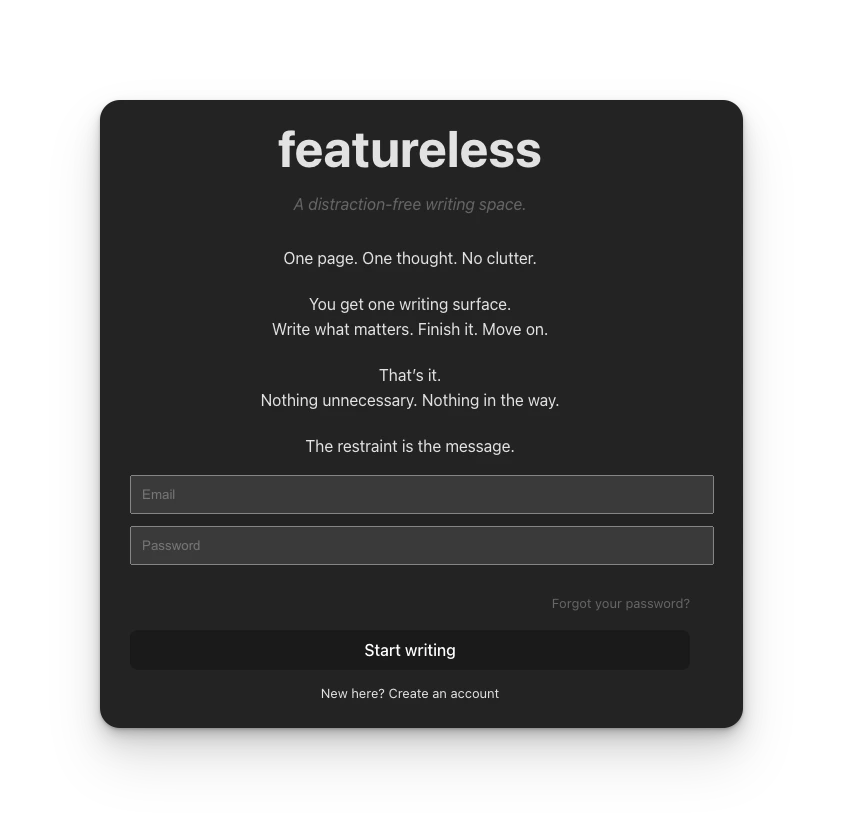
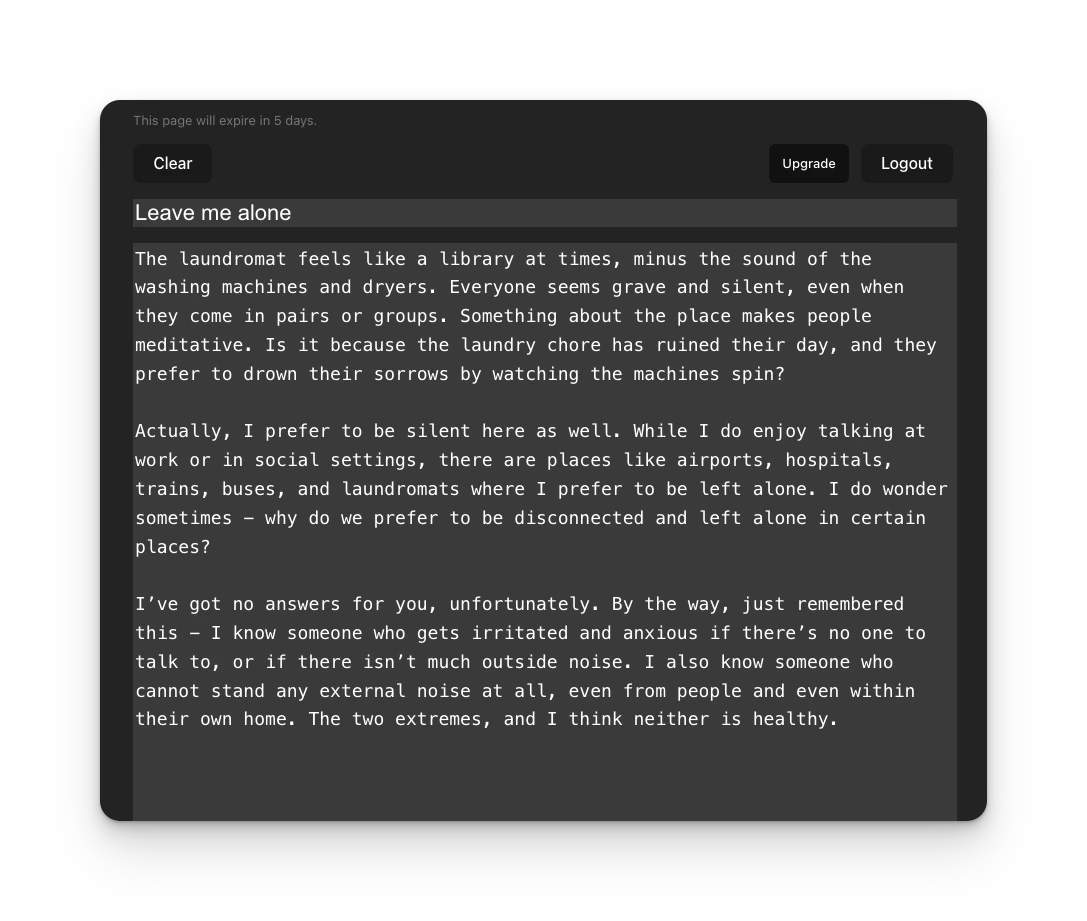
How it works
Featureless uses your operating system’s color preference:- If your system is set to Light mode, Featureless appears light
- If your system is set to Dark mode, Featureless appears dark
Changing appearance on macOS
- Open System Settings
- Go to Appearance
- Choose Light, Dark, or Auto
Changing appearance on Windows
- Open Settings
- Go to Personalization → Colors
- Choose your Mode:
- Light
- Dark
- Custom (where you can apply Dark mode to apps)
How Chrome and other browsers affect this
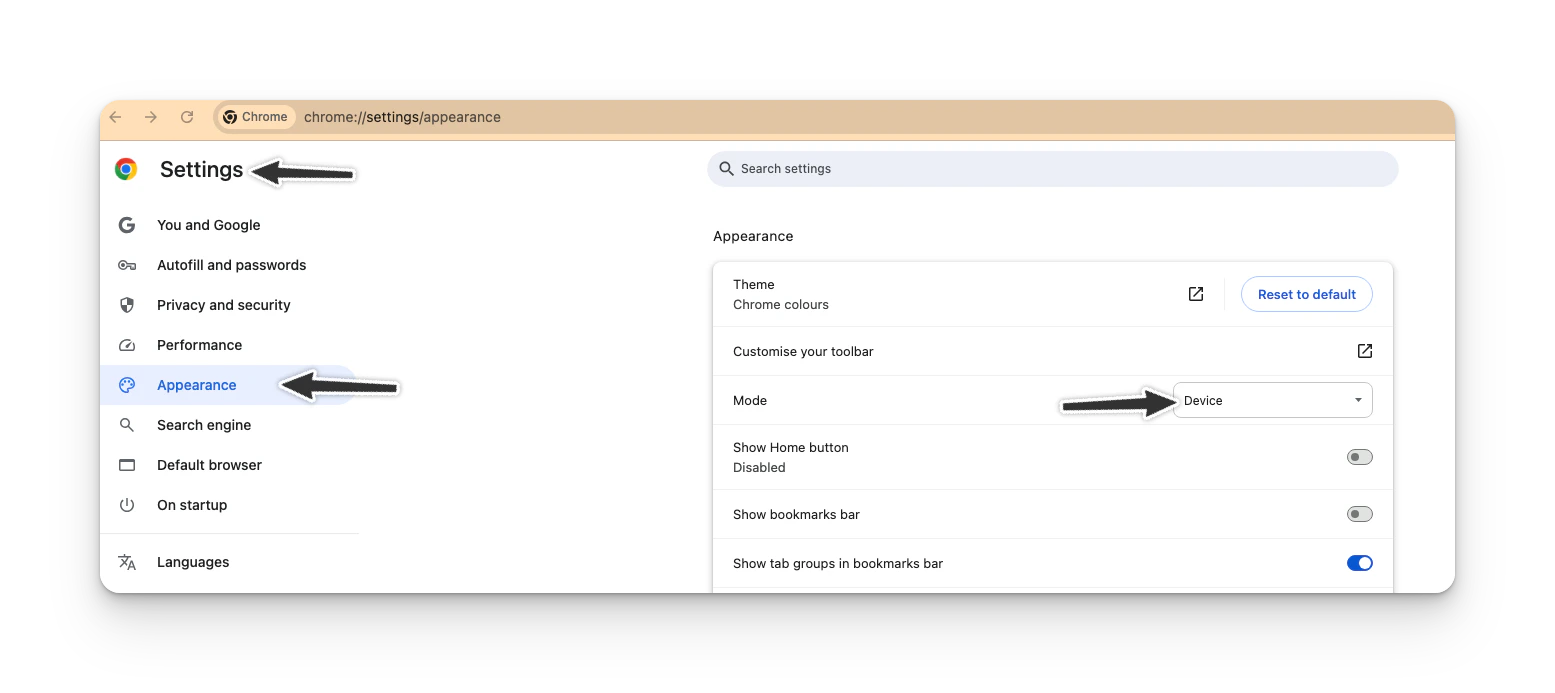
Browsers like Chrome, Edge, and Firefox respect your system’s color setting by default. However, Chrome also allows you to override the appearance:- If Chrome is set to follow the system, Featureless will follow your OS
- If Chrome is forced into Light or Dark mode, Featureless will follow Chrome instead
Why is there no toggle inside Featureless
This is intentional. Featureless is designed to:- Reduce decisions
- Remove visual controls that distract from writing
- Respect the environment you already work in
Common questions
“I changed my OS theme but nothing happened.”Try refreshing the page or opening Featureless in a new tab. “It changed when I switched Chrome settings.”
That’s expected - Chrome can override system preferences. “Can I force dark mode only for Featureless?”
Not currently. Featureless follows your browser or OS settings.
A note on accessibility
Dark and light modes are handled by native system preferences, which means:- Better contrast handling
- Better accessibility support
- Consistent experience across apps